

Paying for your Azerbaijan e-Visa through the official portal at evisa.gov.az is straightforward once you know which cards work and what to do if your transaction fails. The portal accepts Visa, MasterCard, and American Express credit and debit cards, with all fees charged in US dollars (USD). The standard government e-Visa fee is $20 USD, and the payment must be completed before your application enters processing. Below you’ll find everything you need to successfully complete your payment – and fix it when things go wrong.
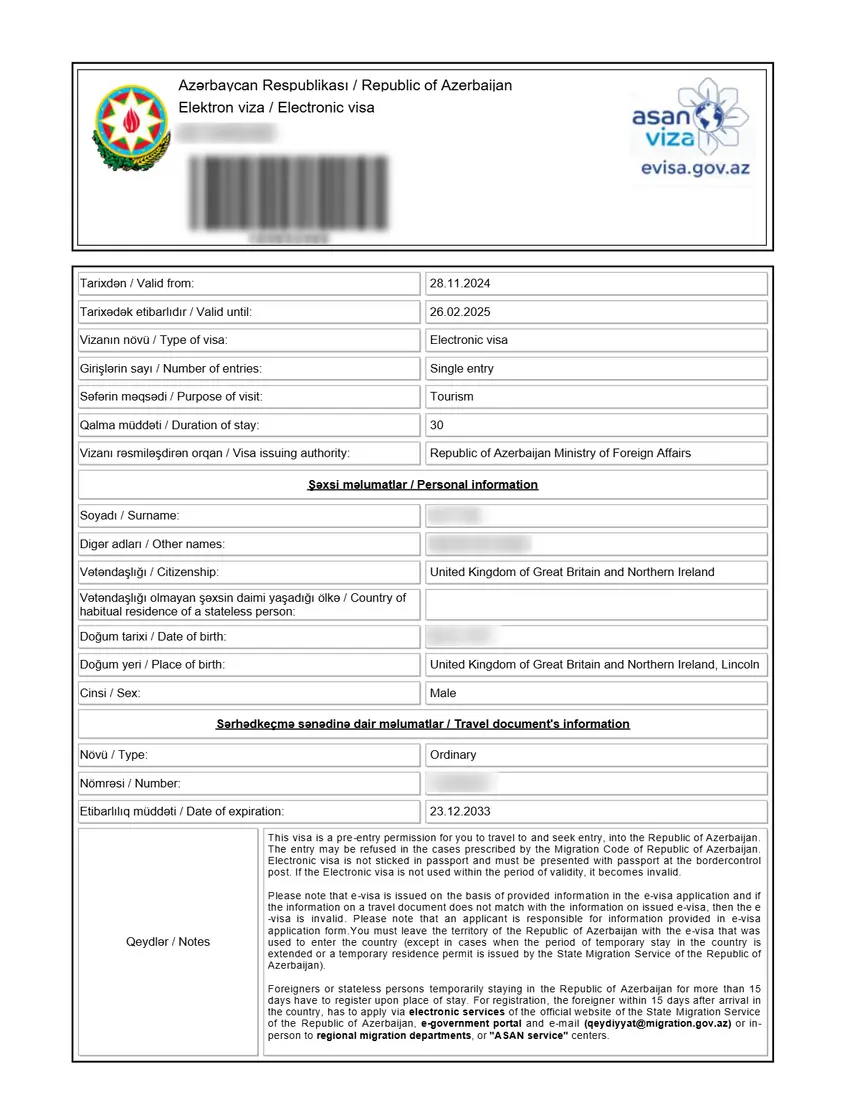
How the Azerbaijan e-Visa Payment System Works
The Azerbaijan e-Visa portal runs on the ASAN Visa platform, which uses a bank-grade secure payment gateway to process all transactions. After you submit your application form on evisa.gov.az, the system redirects you to a dedicated payment screen hosted by an Azerbaijani payment processor.
Here is how the process flows:
- You complete the e-Visa application form with personal details, passport information, and travel dates.
- The system presents a payment summary showing the fee in USD.
- You enter your card details on a secure, encrypted page.
- If your card requires 3D Secure authentication (Verified by Visa, MasterCard SecureCode), you’ll be prompted to verify the transaction through your bank’s app or an SMS code.
- On successful payment, the application moves to “under review” status and you receive a confirmation email.
All payments are in US dollars (USD). Your bank will convert the $20 fee into your local currency using its own exchange rate. Most banks also add a small currency conversion fee (typically 1-3%), so the final charge on your statement may be slightly higher than $20.
The government fee is $20 USD for a standard application (processed within 3 working days). Turkey passport holders pay $11 USD. On VFS Global, the urgent option (available to all eligible nationalities) processes within 3 hours for an additional service fee.
Important: Visa fees are non-refundable once the payment has been processed – even if your application is later rejected. Double-check all your details before clicking “Pay.”
For a full fee breakdown by nationality, see our Azerbaijan e-Visa Fee guide.
Accepted Payment Methods on evisa.gov.az
The official Azerbaijan e-Visa portal supports the following payment options:
Credit Cards
| Card Brand | Accepted | Notes |
|---|---|---|
| **Visa** | ✅ Yes | Most widely reported success rate |
| **MasterCard** | ✅ Yes | Second most common; works reliably |
| **American Express (AmEx)** | ✅ Yes | Some AmEx issuers may flag international transactions |
Credit cards work for most applicants. However, several travelers report that their credit card transactions were declined by the issuing bank while processing on evisa.gov.az – this is almost always a bank-side block, not a portal issue.
Debit Cards
| Card Brand | Accepted | Notes |
|---|---|---|
| **Visa Debit** | ✅ Yes | Some travelers report higher success than credit cards |
| **MasterCard Debit** | ✅ Yes | Works reliably |
Many applicants who experienced repeated credit card failures have reported that switching to a debit card resolved the issue. If your credit card keeps getting declined, a debit card from the same or different bank is worth trying.
Digital Wallets and Alternative Methods
Apple Pay, Google Pay, Samsung Pay – These digital wallets are not confirmed as supported on the official evisa.gov.az portal. Some third-party visa agents claim to accept them, but the government gateway does not explicitly offer these options.
PayPal – Not accepted on evisa.gov.az or on VFS Global’s portal.
Bank transfers or wire payments – Not available. The portal only processes card payments through its secure payment gateway.
Can Someone Else Pay for My e-Visa?
Yes. The credit or debit card used for payment does not need to be in the applicant’s name. A family member, friend, or colleague can pay on your behalf using their card. This is confirmed by VFS Global’s FAQ page. The only requirement is that the card must be enabled for international online transactions.
Step-by-Step: How to Pay for Your Azerbaijan e-Visa
Follow these steps to complete your payment on evisa.gov.az:
Step 1: Complete the application form
Go to evisa.gov.az/en/ and fill in your nationality, personal details, passport number, and intended dates of travel.
Step 2: Upload your passport scan
On VFS Global’s platform, upload a clear photo of your passport’s bio page. On evisa.gov.az directly, you may not need to upload anything unless specifically requested.
Step 3: Review all details carefully
Once you proceed to payment, you cannot change any information. Verify your name, passport number, and dates are correct. A mismatch between the e-Visa and your passport means the visa will be invalid at the border.
Step 4: Click “Pay” to proceed
The payment page will appear with the fee displayed in USD.
Step 5: Enter your card details
Type in your card number, expiration date, and CVV/CVC code from the back of your card. Make sure you are not using a VPN, as this can trigger fraud filters.
Step 6: Complete 3D Secure authentication
If your bank requires 3D Secure (Verified by Visa, MasterCard SecureCode, or AmEx SafeKey), you’ll receive an SMS code or be asked to approve the transaction in your banking app.
Step 7: Wait for confirmation
The payment should complete within 10-30 seconds. Do not close the browser window or navigate away while the transaction is processing.
Step 8: Check your email
A confirmation email with your e-Visa receipt will be sent to the email address you provided during registration. Keep this for your records.
Tip: Take a screenshot of the confirmation page and save the payment reference number for your records.
Common Payment Errors on evisa.gov.az
Payment failures are one of the most common frustrations reported by Azerbaijan e-Visa applicants. Here are the main errors you might encounter:
“Sorry, the transaction was declined by your bank or intermediate agent”
This is the most frequently reported error on evisa.gov.az. It means your bank or the card network has refused the transaction. The most common sub-reasons include:
| Error Detail | What It Means | Likely Cause |
|---|---|---|
| **”Exceeds frequency limit”** | Too many payment attempts in a short time | The portal’s fraud system or your bank has flagged your card for repeated attempts |
| **”Do not honor”** | Generic refusal from issuer | Your bank considers the transaction suspicious (unusual country/amount) |
| **”Insufficient funds”** | Not enough balance or credit | Self-explanatory |
| **”Card not enabled for international transactions”** | Your card is restricted to domestic use | Common with certain cards issued in the US, India, and Southeast Asia |
3D Secure Verification Failure
If the 3D Secure popup doesn’t appear, displays an error, or your SMS code isn’t received, it usually means:
- Your card does not have 3D Secure enabled
- Your bank’s 3D Secure system is temporarily down
- You entered an incorrect authentication code
How to check: Contact your bank and ask whether your card is enrolled in 3D Secure (Verified by Visa or MasterCard SecureCode). If it’s not enrolled, ask them to activate it – some banks require you to opt in separately.
Payment Page Timeout or Blank Screen
If the payment page takes too long to load or goes blank:
- Your internet connection may have dropped during the redirect
- Browser extensions may be interfering with the payment page
- The portal may be experiencing high traffic (common on weekdays)
“Payment Already Processed” or Duplicate Charge
If you submitted payment and it appeared to fail, but you were charged anyway:
- Check your email for a confirmation – sometimes the payment went through but the display timed out
- Contact your bank to verify if the pending charge will clear or drop off
- Email [email protected] with your card’s last four digits and approximate payment time if using VFS
Step-by-Step Troubleshooting: What to Do When Payment Fails
If your Azerbaijan e-Visa payment keeps failing, work through these 8 solutions in order. Most payment issues are resolved within the first three steps:
1. Call Your Bank and Enable International Transactions
This solves the majority of failed payments. Call the phone number on the back of your card and tell them:
- “I need to make an online payment to a government portal in Azerbaijan”
- “Please enable international online transactions on my card”
- “The merchant name may appear as ASAN Visa or a variation of that”
Many banks – especially in the United States, Canada, UK, India, and Australia – automatically block transactions from Azerbaijan because it’s flagged as an “unusual” country for their cardholders. The banks that tend to work best based on traveler reports include Chase, Wells Fargo, Capital One, and Citibank in the US.
2. Add Azerbaijan as a Travel Destination in Your Banking App
Most modern banking apps and online banking portals allow you to set a travel notification. Add Azerbaijan with your planned travel dates. This tells your bank to expect transactions from Azerbaijan and significantly reduces the chance of automatic blocks.
3. Wait 24-48 Hours If You Hit “Exceeds Frequency Limit”
The evisa.gov.az portal tracks attempts per card and per IP address. If you’ve tried more than 3-5 times in quick succession, you may be temporarily locked out. Close the browser, wait at least 24 hours, and try again. Avoid making multiple rapid attempts – each failed attempt extends the lockout.
4. Try a Debit Card Instead of a Credit Card
Multiple travelers have reported that their payments went through immediately when switching from a credit card to a debit card. If you’ve been using a Visa or MasterCard credit card exclusively, try a Visa or MasterCard debit card from your bank account instead.
5. Clear Browser Cookies and Cache for evisa.gov.az
Stale cookies or cached sessions from previous attempts can interfere with new transactions:
- Open your browser settings and clear all cookies and site data for evisa.gov.az
- Switch to Incognito mode (Chrome), Private Browsing (Firefox/Safari), or InPrivate (Edge)
- Navigate to evisa.gov.az and start a fresh application (don’t log into a saved session)
6. Disable VPN or Proxy Connections
If you’re using a VPN, turn it off before making a payment. VPNs route your traffic through servers in different countries, which makes your connection appear suspicious to the payment gateway. A payment originating from a VPN server in Germany while your card was issued in the US may be flagged and blocked automatically.
7. Try a Card from a Different Bank
If none of your cards from Bank A work, try a card from a completely different financial institution. Banks have varying fraud policies, and one bank’s block list may include Azerbaijan while another bank’s does not. Online-only banks and fintech cards (e.g., Revolut, Wise) sometimes have different international transaction rules.
8. Use VFS Global as an Alternative Payment Channel
If the evisa.gov.az portal continues to block your payment, try applying through VFS Global’s Azerbaijan e-Visa portal at azerbaijan.vfsevisa.com. VFS Global is an authorized third-party processor that handles the same government e-Visa, but uses a different payment gateway that may be more compatible with your card.
- VFS charges the same $20 government fee plus a service fee
- VFS helpdesk email: [email protected] (available 06:00-18:00 IST daily)
- Processing time: Standard 3 working days, Urgent 3 hours
Frequently Asked Questions About e-Visa Payment
Which payment methods are accepted on evisa.gov.az?
The official Azerbaijan e-Visa portal accepts Visa, MasterCard, and American Express credit and debit cards. Payments are processed in US dollars (USD). Bank transfers, PayPal, Apple Pay, and Google Pay are not available on the government portal. For more on fees, see our Azerbaijan e-Visa Fee guide.
How much does the Azerbaijan e-Visa cost?
The standard government e-Visa fee is $20 USD. Turkey passport holders pay $11 USD. Urgent processing (available on VFS Global) costs an additional service fee on top of the government fee. Your bank may also apply a currency conversion fee of 1-3%. See our full fee breakdown for details by nationality.
Why was my card declined on evisa.gov.az?
The most common reason is that your bank blocks international transactions to Azerbaijan as a fraud prevention measure. Other causes include: the card is not enabled for international online payments, 3D Secure authentication failed, you’ve exceeded the portal’s frequency limit for card attempts, or you have insufficient funds. Call your bank to enable international transactions and whitelist payments from Azerbaijan.
Can I use someone else’s card to pay for my e-Visa?
Yes. The card does not need to belong to the applicant. A family member or friend can pay on your behalf. VFS Global confirms: “It is not mandatory for the Credit/Debit card to be in the name of the applicant.”
Does Azerbaijan e-Visa require 3D Secure?
3D Secure authentication (Verified by Visa or MasterCard SecureCode) may be required during the payment process. If your card isn’t enrolled in 3D Secure, contact your bank and ask them to activate it. Some banks require you to opt in through their banking app or website before 3D Secure works on international transactions.
What currency is the Azerbaijan visa fee charged in?
All e-Visa payments on evisa.gov.az are processed in US dollars (USD). Your bank will convert the amount to your local currency using its exchange rate at the time of the transaction. A small bank conversion fee may also apply.
Can I get a refund if my e-Visa is rejected?
No. The government e-Visa fee is non-refundable once payment has been processed, regardless of whether your application is approved or rejected. VFS Global also states: “The Visa fee and service fee as levied to the applicant are non-refundable.”
What if my payment shows “Exceeds frequency limit”?
This error appears when too many payment attempts have been made from your card or IP address in a short period. Wait at least 24 hours before trying again. Clear your browser cache, and make your next attempt with a different card if possible. After 1-2 days, the limit resets and you can try normally.
Can I pay in a currency other than USD?
No. The evisa.gov.az portal only processes payments in USD. If your local currency is different, your bank will handle the conversion automatically. You cannot select or change the billing currency on the payment page.
My payment went through but I didn’t receive a confirmation email. What do I do?
First check your spam/junk folder. If still nothing, log back into evisa.gov.az and check your application status under “Check Status.” If the payment was deducted from your bank but no status appears, email [email protected] with your card’s last four digits and the approximate payment time. See also: How to check your Azerbaijan visa status online.
Related Guides
- Azerbaijan e-Visa Fee: Full Cost Breakdown – Detailed fee structure by nationality and processing speed
- How to Apply for an Azerbaijan e-Visa – Complete step-by-step application walkthrough
- evisa.gov.az: How to Use the Official Portal – Portal navigation guide
- Azerbaijan e-Visa Processing Time – Standard vs. urgent processing timelines
- Check Azerbaijan Visa Status Online – How to verify your application status
- Azerbaijan e-Visa Rejected? How to Reapply – What to do if your application is denied